 Felipe Suarez
Plan-First Kit for Claude: Project & Skill Edition
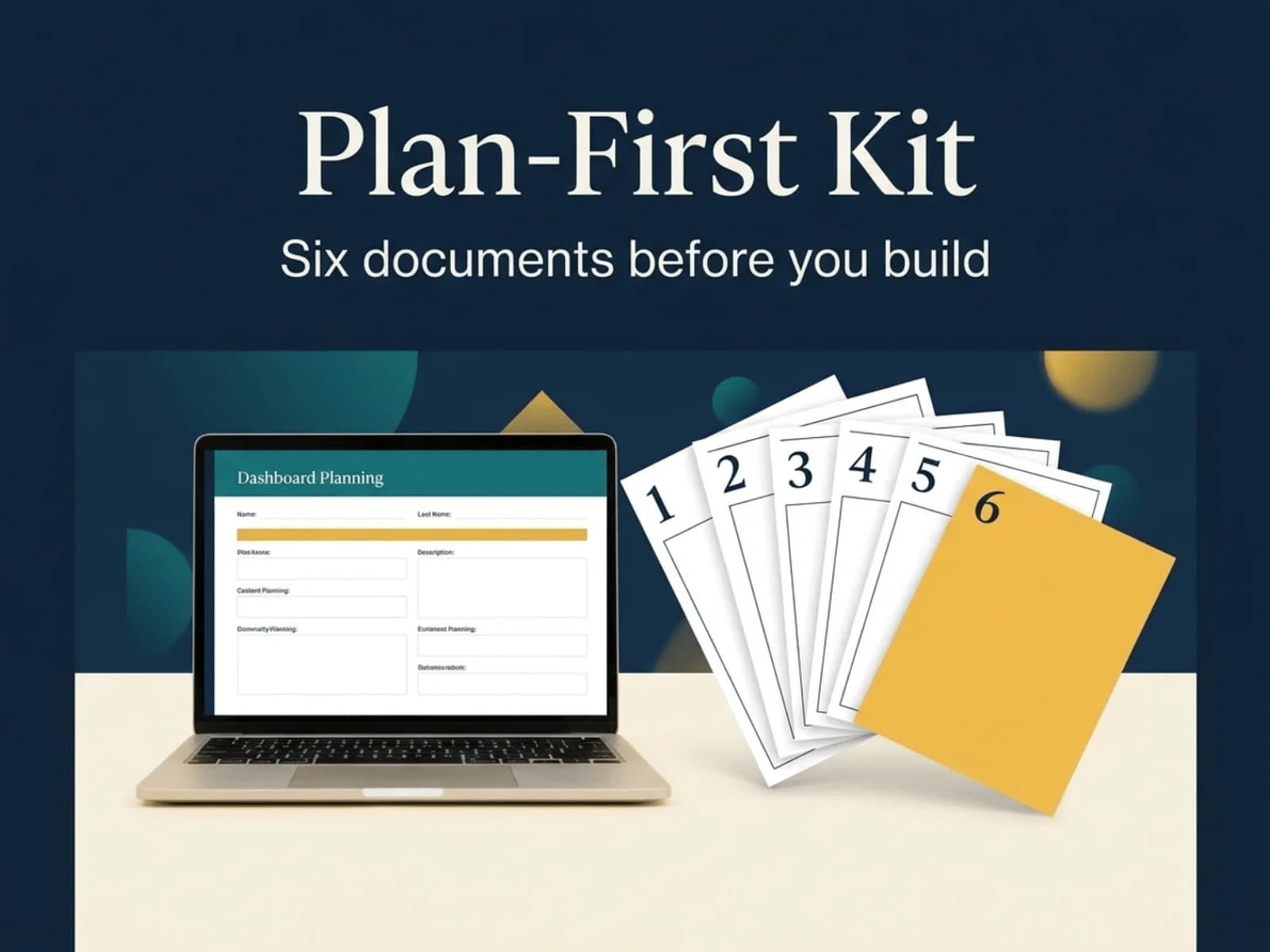
Stop handing builders a vague brief.
Most website, client portal and app projects go off the rails before any code is written, because nobody wrote down what was being built. The Plan-First Kit fixes that in about an hour. No terminal, no installation, no technical knowledge.
How it works
Add the kit to Claude as a Project (or upload it as a Skill).
Tell Claude you want to plan a project.
Answer one question at a time. Every question comes with an example answer, and you can say “suggest” whenever you’re stuck.
Review the finished deck, ask for changes (“change Doc 2: we use Square, not Stripe”) and approve it.
Save it as a PDF and hand it to your freelancer, agency, team or AI coding tool.
The six documents you get
Product requirements: what it does, feature by feature
Technical requirements: the tools it runs on, decided once
App flow: every page, every click, and what happens when something goes wrong
Design brief: your real colours, fonts and tone
Backend schema: where your data lives and who can see it
Implementation plan: the build order, with sign-offs you can check yourself
Everything also arrives as a letter-size deck with your logo, project name, name and cover, so it looks finished enough to send to a client.
What’s included
Project instructions to paste into a Claude Project
Knowledge files (question playbook, deck template, full worked example)
The same kit packaged as a Claude Skill (.zip)
Setup guide with step-by-step instructions
What you need
A Claude account with Projects or Skills available. Check Anthropic’s site for which plans include them. The kit doesn’t include Claude itself.
Good to know
Built for non-technical business owners and managers.
It produces planning documents. It doesn’t build the website or app.
The deck opens in your browser, and the setup guide shows how to save it as a PDF in about a minute.